-
Concepting
The Idea
I decided to make a game that could help others who struggle with mental health feel understood. This would be done through gameplay modeled after my own experiences of dealing with mental health.
Gameplay Concept
I decided the gameplay would be through a set of 3D and 2D puzzles. The 3D puzzles would start as the players primary goal and would increase in difficulty at a decent rate. The 2D puzzles would start simple, just as a small task, but would have their difficulty increase exponentially, becoming the ultimate roadblock for the player. In this dynamic the 3D puzzles represent the tasks of every day life, and the 2D puzzles represent the slow creep of anxiety and depression, eventually taking importance over the 3D puzzles.
I also created the base of the 3D puzzle system as a proof of concept for that interaction.
Visual Concepts
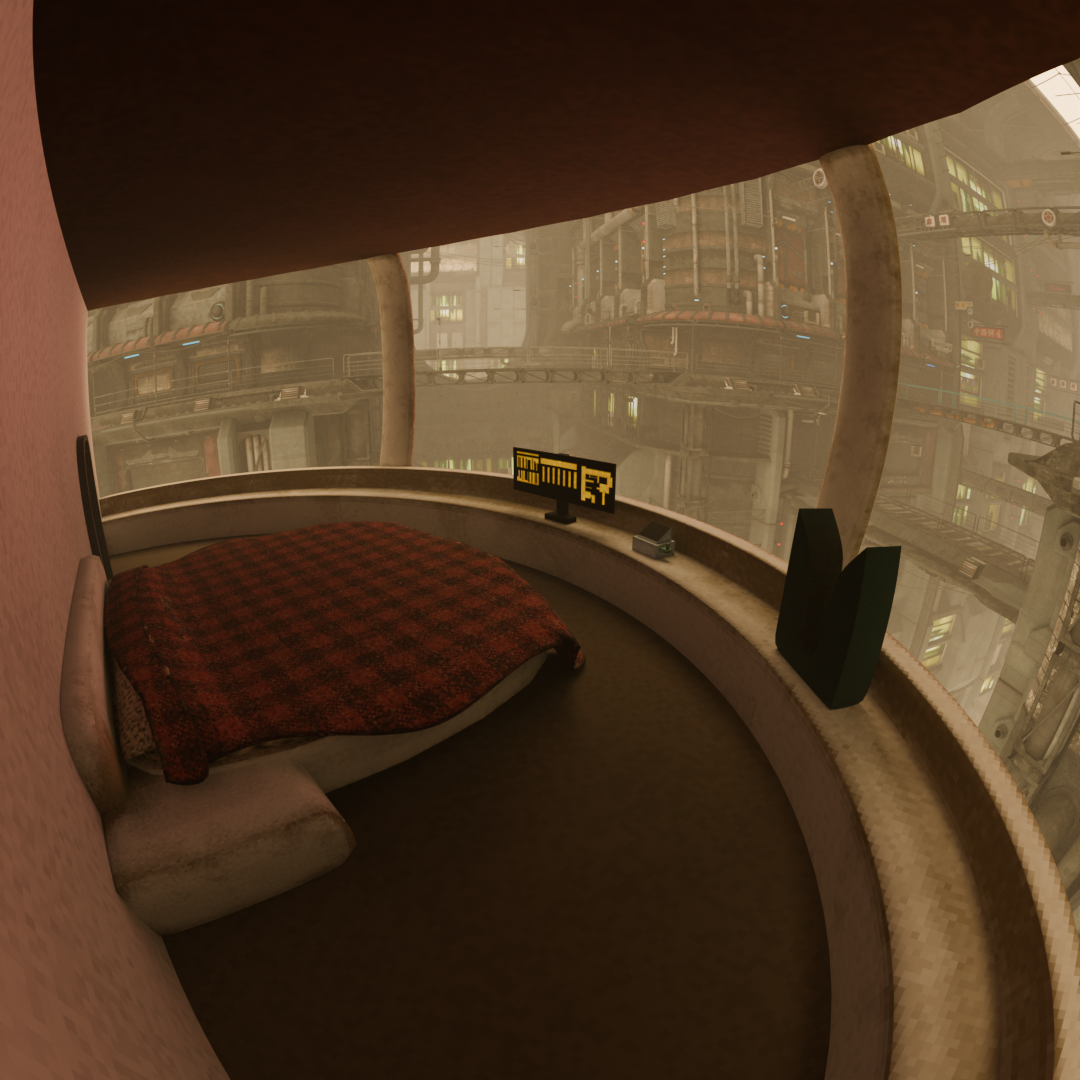
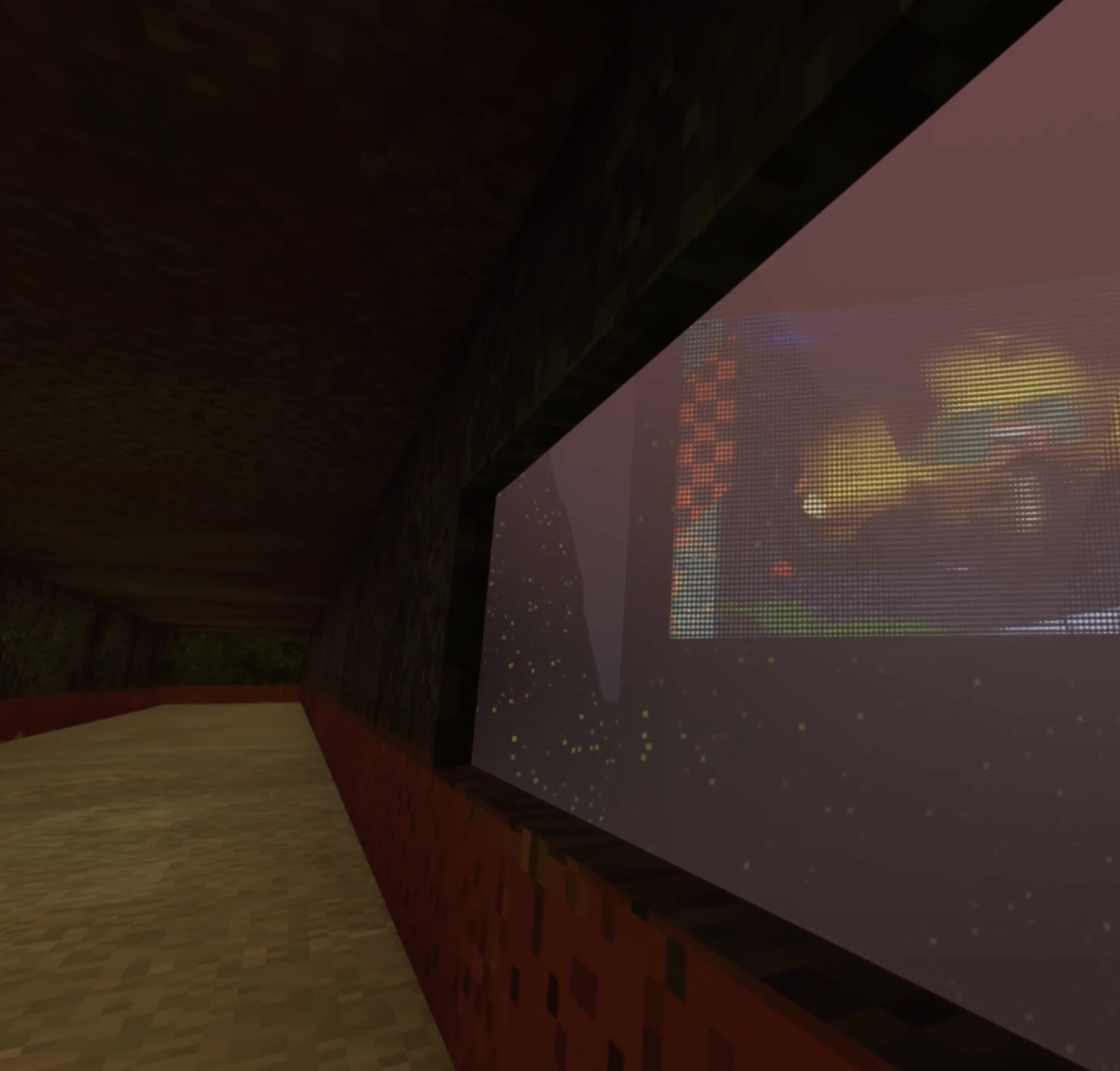
The original idea for visuals had the 3D models of the world be low poly with pixelated texturing. My plan for post-processing shaders was minimal and was just to tie visuals together. In engine testing of this was reminiscent of Minecraft, which was not what I wanted to go for. The process of texture painting everything and making sure those textures were consistent across objects also was not viable with time constraints.
-
Iteration 1
Puzzle Design
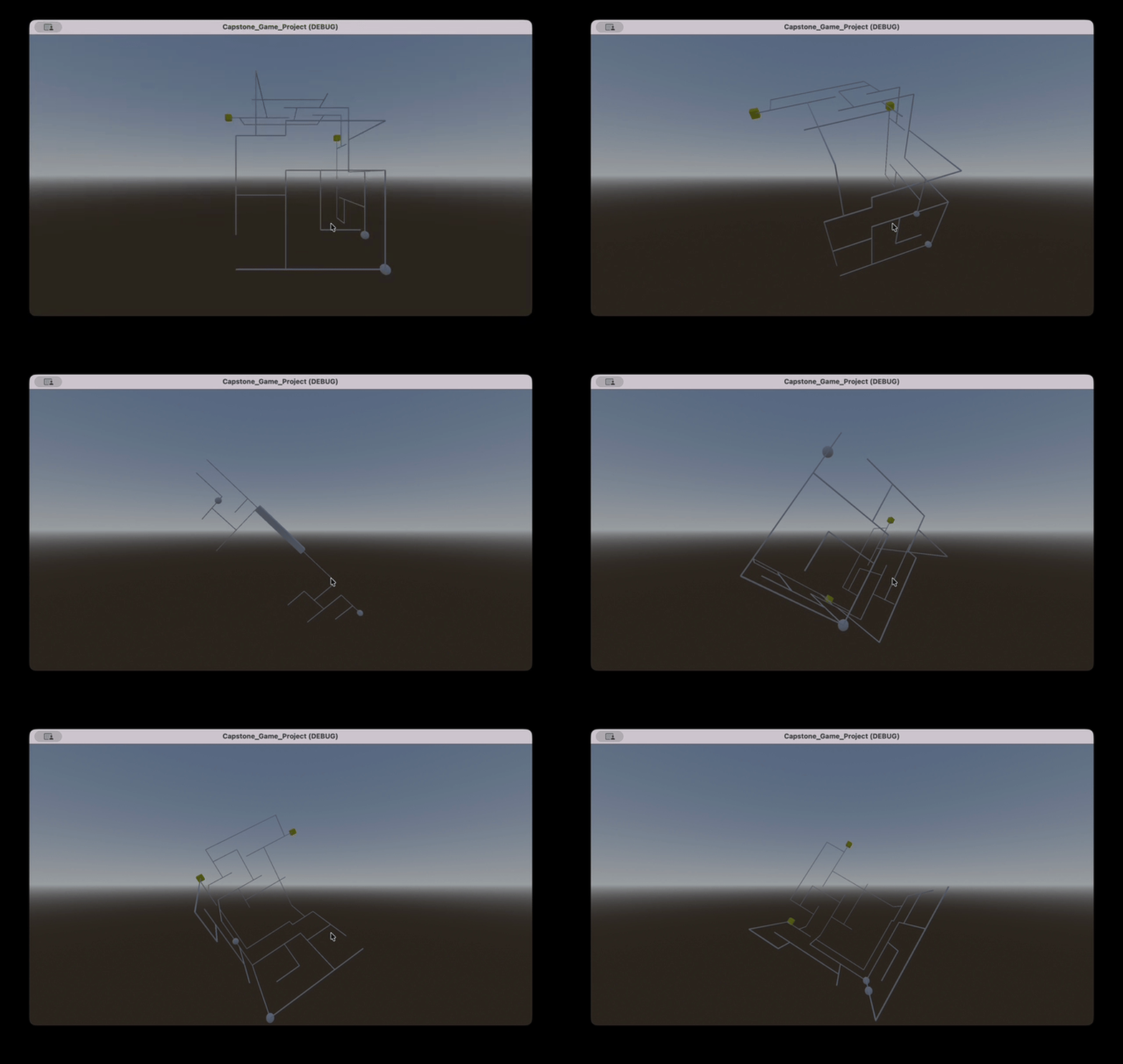
The proof of concept I had for the 3D puzzles was a solid starting point, so I started adding some abilities and effects on the puzzles. The first one that I made was a shifting ability, that allowed the player to press a button that would toggle between the visiblity of two puzzles. This ability was meant to have the player solving two of the 3D puzzles at once, though one would always be invisible. I also started work on a portal ability that let the player teleport a sphere from a specific point on the portal to another point and a "time dilation" effect I could place on a path of the puzzle that would make a sphere on it slow down.
The base of the 2D puzzles were also created in this first iteration. I took inspiration from a game of the Cube Escape series, The Cave, for this puzzle. The 2D puzzles are supposed to represent this creep of anxiety and depression on everyday tasks, so I didn't want them to become terribly interesting as they got harder. Being able to add more things to untangle in these puzzles fit that bill well.
Controls
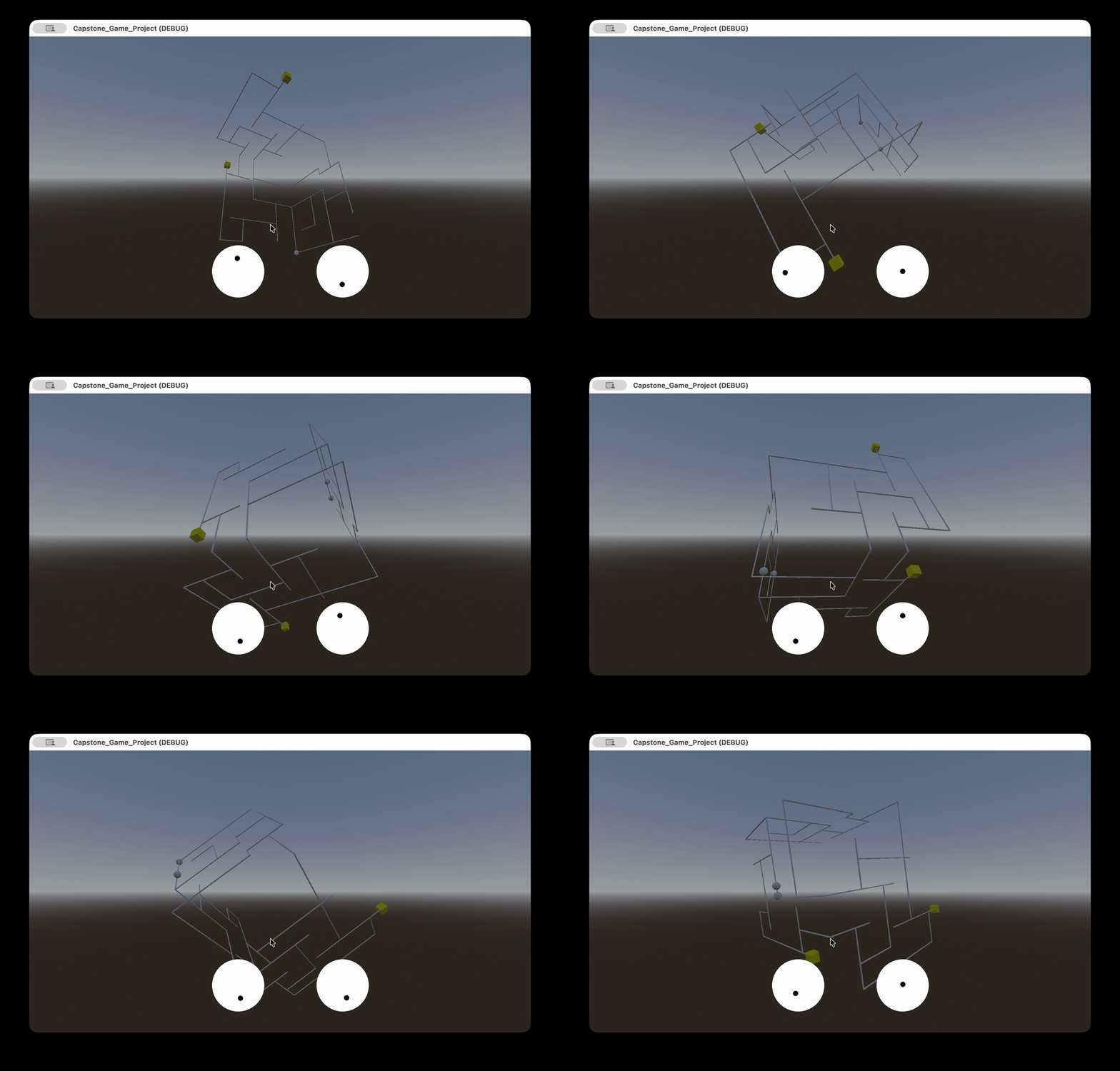
I had to create a control scheme for the proof of concept of the 3D puzzles, but it didn't feel good. The original controls used the joysticks to control pitch, roll, and yaw of the puzzle. The controls were usable to solve the puzzles, but I always found myself trying to move the controls in ways that felt natural, but weren't actually part of the control scheme. After recognizing that, I set out to try and identify what I was trying to make the puzzle do with those movements.
I created a rough control scheme from these instintual movements I was making with the controller, and it felt a lot better. The controls aren't very traditional in how they use the gamepad inputs, though after making these new controls, I realized they were similar to the controls of Katamari Damacy. To rotate the puzzle away from the player character, the joysticks are pushed in that direction. The roll the puzzle clockwise and counter clockwise in front of the player character, the joysticks are pushed in opposite directions of each other.
Visual Design Rework
After concepting, I set out to do a visual redesign. Taking inspiration from a video I saw from GodotFest, I decided to switch to using a heavier post-process shader, real time lighting, and minimal texturing. Using the shader and lighting, I had control of how things could look in my game world, it provided consistency, and it minimized the amount of texturing that had to be done.
-
Iteration 2
First Test Round
I had my implemented 2D puzzles and 3D puzzle abilities and effects, which now needed to be tested. I found that the new control scheme needed more tutorial to get used to, but once it was learned, it felt intuitive. The base 3D and 2D puzzles felt good with testers as well. Through this testing, I found that the abilities and effects I had added weren't meaningful to the 3D puzzle interaction. These abilities and effects were scrapped, though the code for the portal ability was salvagable for a later implemented ability.
Visuals
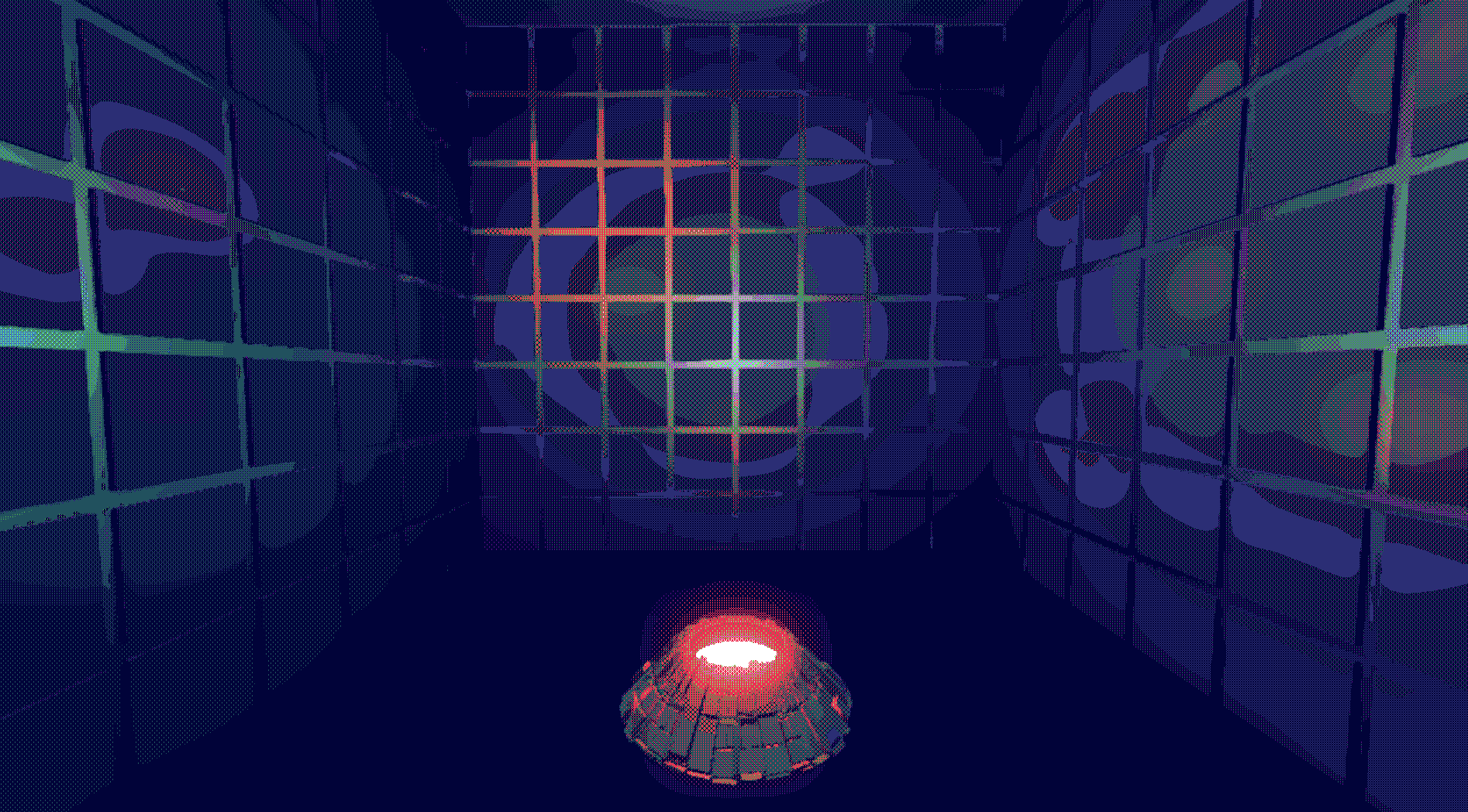
I created a layout of the test chamber in Blender that I imported into Godot to begin testing out lighting and shaders. I chose a color palette for the shader that was mostly cool colors, with warm colors as highlights.
The 2D puzzles were very plain at this point, so I also created a concept for what they would look like in a 2D CRT shader. This 2D terminal environment would also be where dialogue for the game is displayed.
Narrative
I set the narrative of the game to unfold over 3 story beats. The first would have everything be normal: The 3D puzzles are the main focus and the 2D puzzles are simple. The second story beat would see the 3D puzzles start to have strange effects on them and the 2D puzzles would get a bit harder. The 3rd beat has the 3D puzzles go through complete system change and 2D puzzles would become extremely hard.
New 3D Mechanics
Using feedback from testing and the narrative beats, I created new abilities and effects that would be introduced over these beats. These new mechanics were: gates that only let certain spheres through, an effect on the whole puzzle that made the paths morph out of shape, and I also brough back portals, but now they had to be lined up visually to be activated.
-
Iteration 3
Puzzle Progression
I needed to test the order the puzzles were presented in next. I created a state machine to facilitate the ordering of the puzzles and when the player could interact with a specific puzzle. The state machine for each puzzle type held the order of the puzzles and the puzzle files, communicating with the respective puzzle controller when a puzzle needed to be loaded.
Second Test Round
The new mechanics that I created for the 3D puzzles were received well, they felt like they belonged in the 3D puzzles. I had tweaked the control scheme to make it more responsive, which playtesters also liked. Feedback suggested that there needed to be more tutorialization for the control scheme, rearanging in the order of puzzles, and tweaking visuals to make the 3D puzzles more visible. A lot of positive feedback from these tests told me I could move past creating mechanics, and start bringing the game together.
Visual Refinement
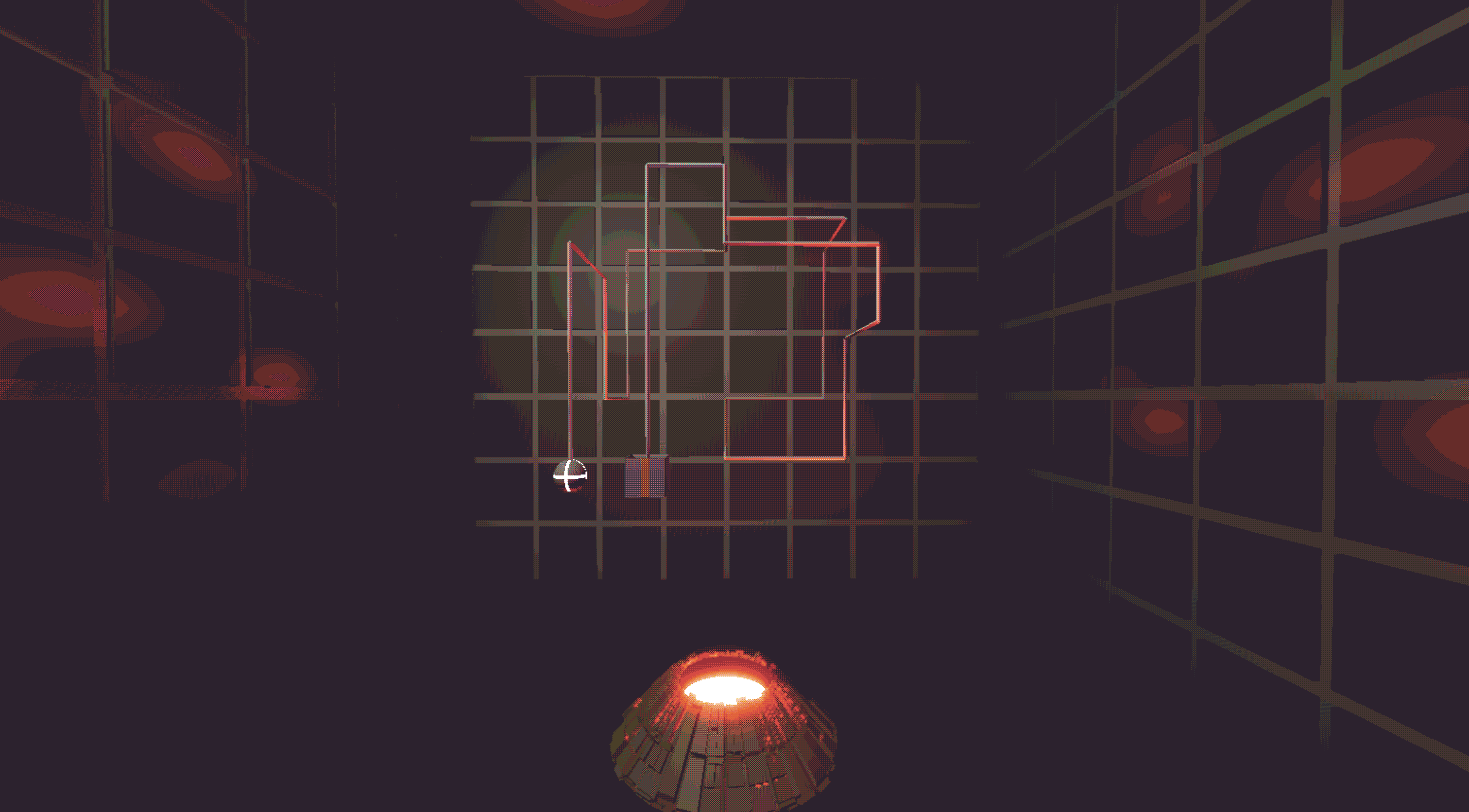
Using feedback from testing, I changed some of the visuals in the game to make 3D puzzles more distinct. I changed the color palette of the post-process shader, which gave more contrast on the puzzles and made the environment look better. I moved lights around in the 3D puzzle chamber to help give depth to the paths of the puzzle. I added distinct 3D models with emissive shaders to the various parts of the 3D puzzles that tended to look too similar.
Dialogue
I created a dialogue system that would type out the words of the script into the terminal environment while playing a synced audio file. This meant I had to record and edit audio to the dialogue, which I found to not fit my time constraints. I reworked the system to work with an addon that played Animal Crossing style text to speech that I made sound more cryptic to fit into the game's aesthetic.
Full Controller Support
Up until this point, only the 3D puzzles could be played with a gamepad while the rest of the game had to be played on mouse and keyboard. This wasn't a very viable control scheme it turns out, so I consolidated all input for the game to gamepad input.
-
Final Iteration
Visuals
The terminal and the 2D puzzle assets were completed and implemented into the engine. I also created the starting screen for the game at the same time. The black hole in the open screen is the same as the "eye" in the terminal, just from different camera angles in Blender.
The environment still looked flat, even with post-process shaders. Time constraints didn't permit me to texture paint and make all the 3D assets look consistent, so I added noise textures to the models' normal maps.
To help convey the story beats visually, I added a shader to the player's screen that would warp the edges as the game progressed.
Environment Animations
The test chamber environment also follows the story beats, becoming more destroyed as the black hole device becomes more unstable. I swap out a destroyed version of the test chamber for the second beat, and the end of the third beat has an animation of the test chamber collapsing as the player attempts to complete the final 3D puzzle.
Transitioning from the 2D puzzles to the 3D puzzles was very sudden at this point in development, so I added an animated shutter that would open when the player started the 3D puzzles and closed when the player finished.
Juice
With a put together game, it still felt a bit static, which could be fixed with some juice. I added quite a few sounds around the game where things felt quiet: when things moved, when the player interacted with objects, and a lack of some ambient noise. The test chamber falling apart has a breaking sound that's also accompanied by screen shake.